
Open Source Side Project
OpenBot
MakerBot ended support for MakerBot Print and MakerBot Desktop on the Replicator+, leaving working printers stranded. OpenBot replaces that software: it slices models, sends them to the printer over the network, streams its camera, and manages its Wi-Fi — and drives Creality Ender-3 printers over USB or SD card, too. Free and open source, under Lighthouse Consulting.
What it does
One app, two printer families.
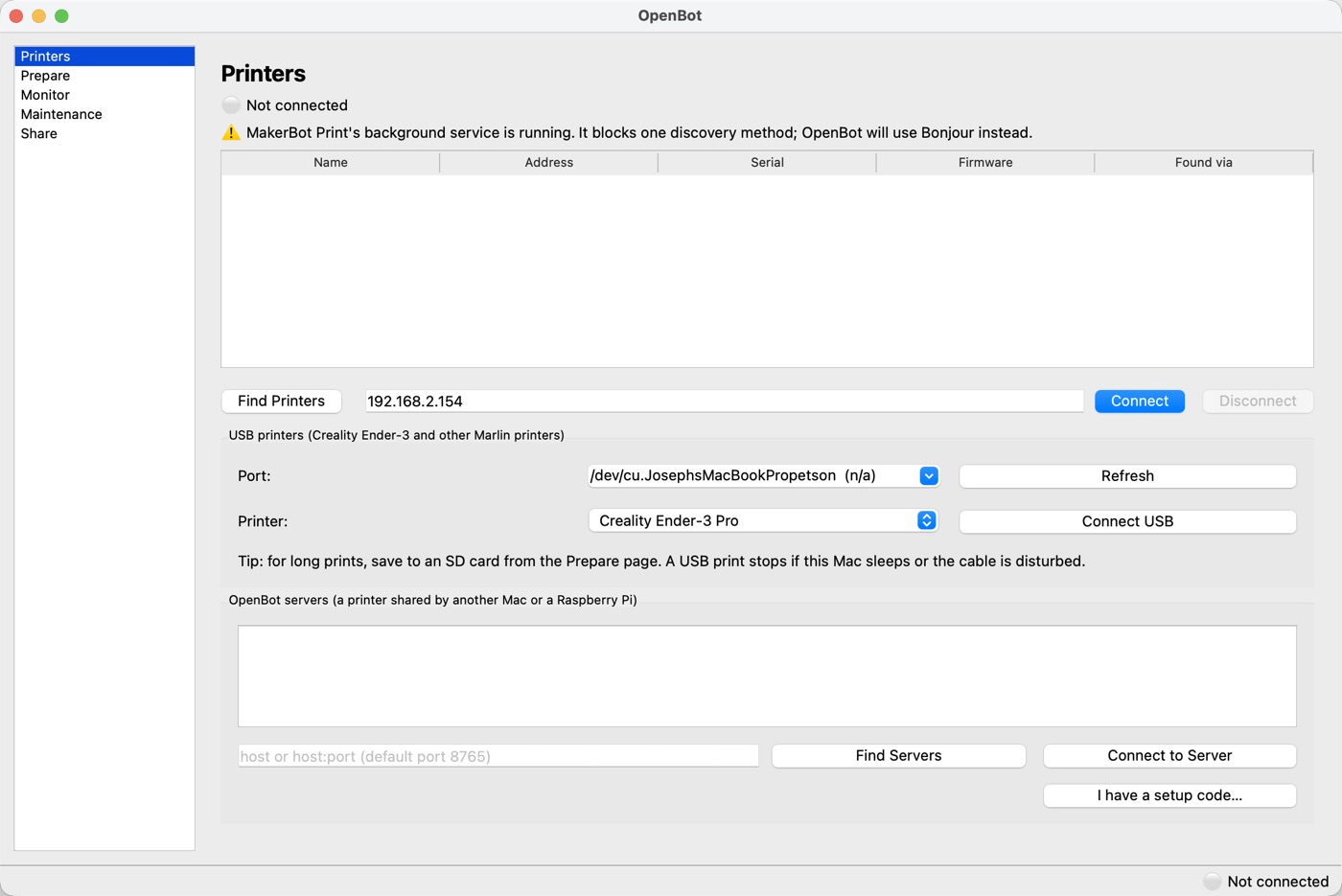
The same app adapts to whichever printer is connected — full network control and slicing for the MakerBot Replicator+, and USB/G-code control for the Ender-3 family.
| MakerBot Replicator+ | Creality Ender-3 family | |
|---|---|---|
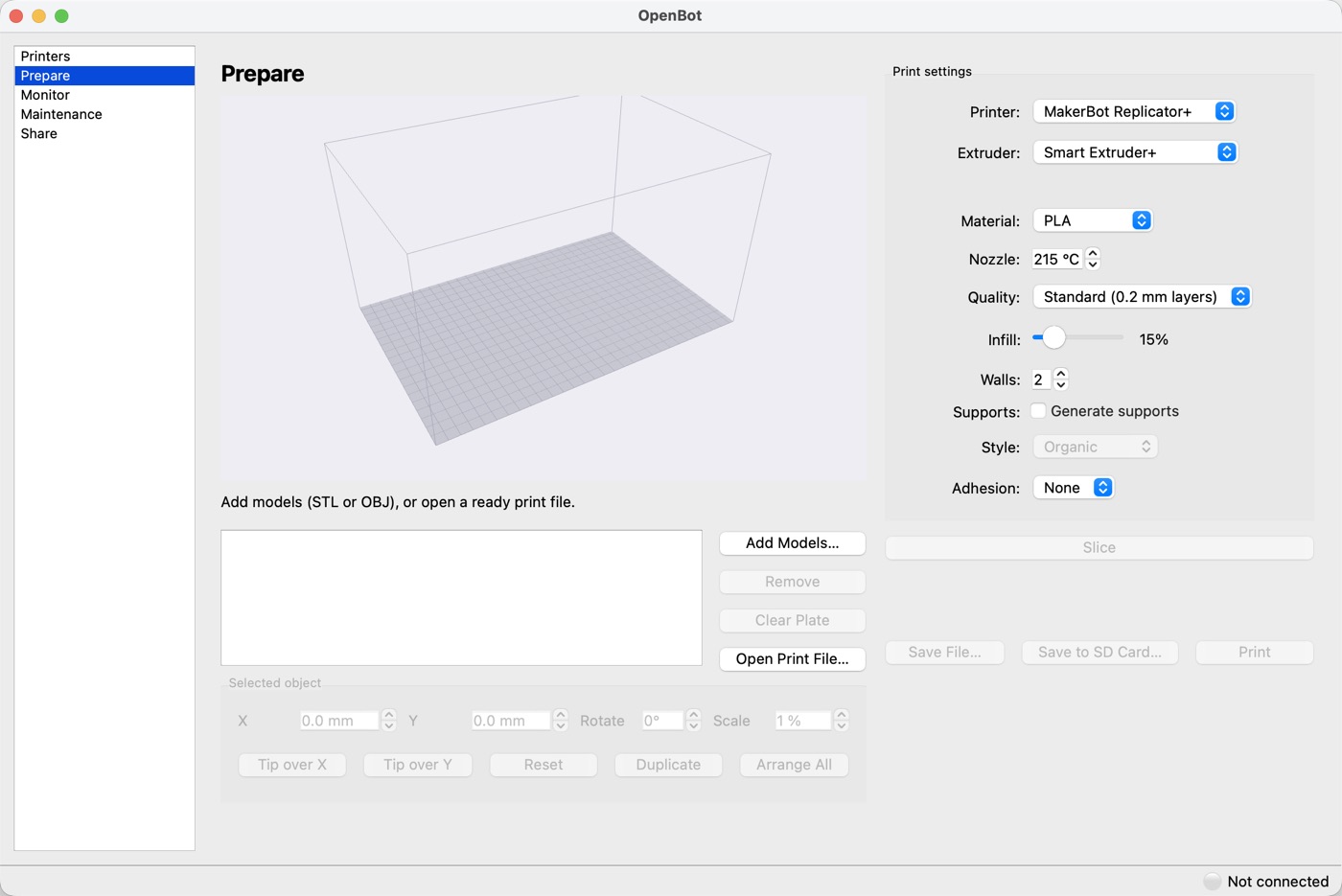
| Slicing | STL/OBJ → .makerbot, with the bundled OrcaSlicer engine | STL/OBJ → G-code, using Creality's own OrcaSlicer profiles |
| Build plate | Several objects at once: drag in 3D to move, rotate, scale, duplicate, auto-arrange | |
| Connection | Network, encrypted with a pinned certificate and one-time knob-press pairing | USB (Marlin), checksummed lines with automatic resend |
| Printing | Upload & print, pause/resume/cancel | Print over USB, or save to an SD card (FAT32 check, safe names, eject) |
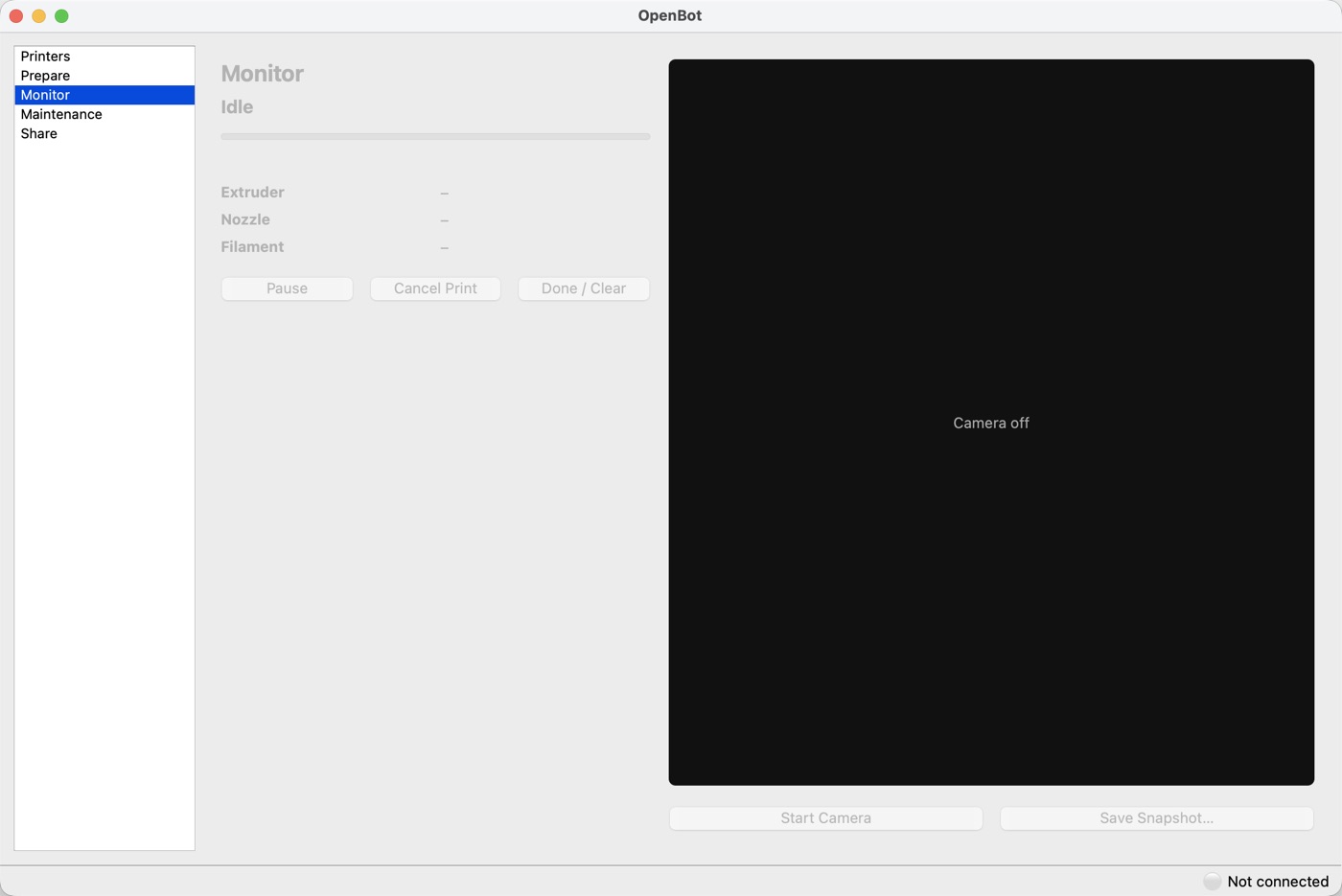
| Camera | Live view, snapshots, a photo of each finished print | — |
| Printer settings | Wi-Fi scan/join/forget, static IP or DHCP, rename | G-code console, preheat, home, emergency stop |
| Safety | Build-volume and temperature checks on every file | PTFE-safe temperature limits for the stock hotend (240°C) |
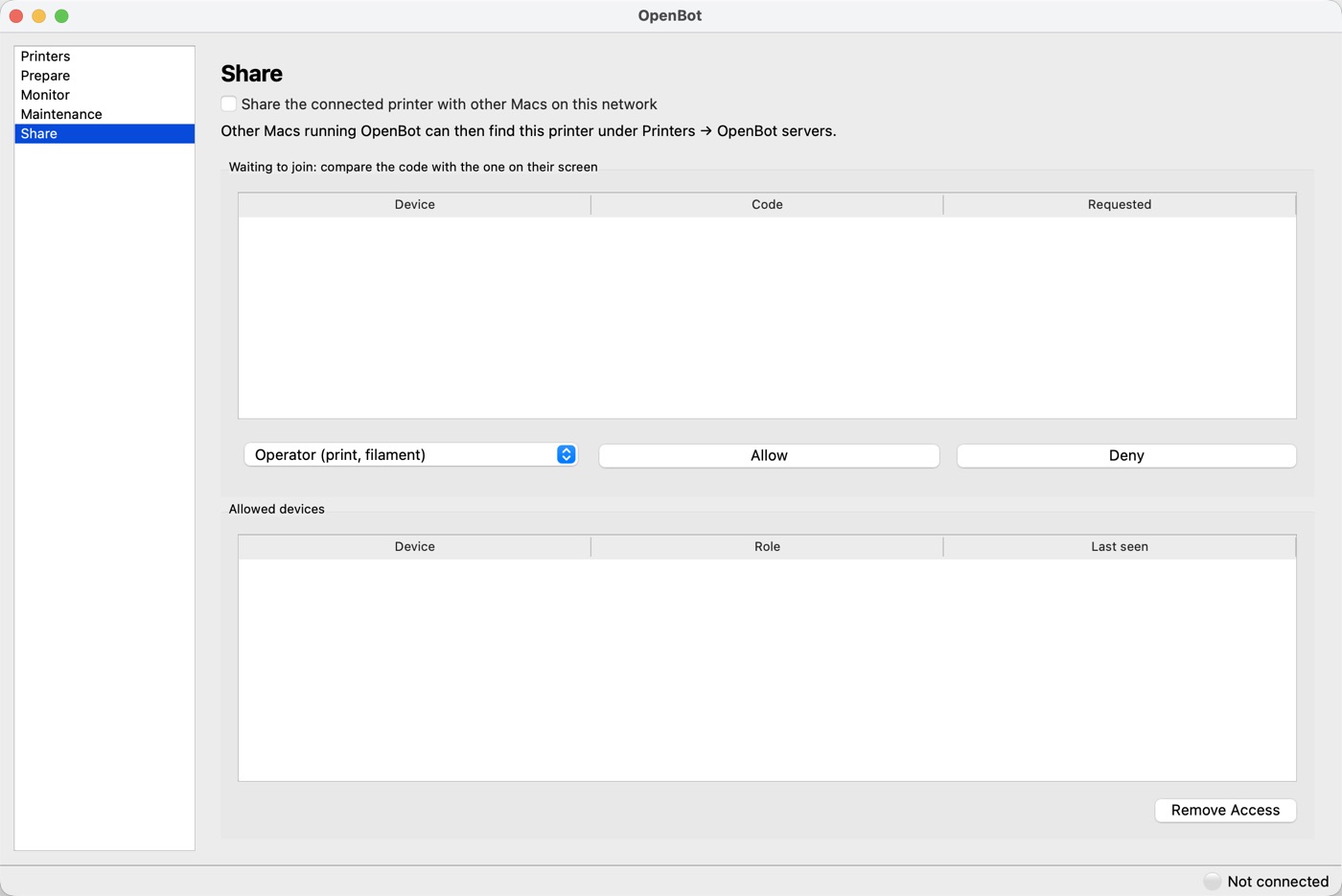
It can also share any of these printers with every Mac in the house, or run headless on a
Raspberry Pi next to the printer — other Macs join with a 6-digit pairing code and a role
(Viewer, Operator or Admin), and every server has its own web page at
https://<server>:8765/ for phones and tablets.
Screenshots
The desktop app.
Under the hood
Built from a reverse-engineered protocol.
Reverse-engineered protocol
MakerBot's network protocol was never public — connecting to the Replicator+ meant working it out from scratch, then pinning its certificate for every future connection.
Marlin over USB
Checksummed G-code lines with automatic resend for the Ender-3 family, plus temperature limits tuned to the stock hotend's PTFE liner.
Server mode
A lightweight server shares one printer with a whole house — pairing codes, per-device roles, and a shared print queue that waits for the plate to be confirmed clear.
Cross-platform packaging
A signed, notarized universal2 .dmg for Intel and Apple Silicon Macs, and a Debian package for a headless Raspberry Pi server.
Get OpenBot
Free software, built to keep printers out of the landfill.
OpenBot is free under the GNU GPL v3. The source, build instructions and releases are on GitHub.